Guides · Updated August 25, 2026
How to check your DODA status with the SAT
If you move cargo through Mexican customs, sooner or later you know the routine: open the SAT portal, type in the integration number, check the traffic light status… and repeat every little while until the operation clears. This guide covers the manual check and, at the end, how to automate it so the status comes to you instead.
What you need before checking
- The DODA's integration number. It comes on the PDF receipt the customs broker or VUCEM generates when creating the DODA.
- Alternatively, the full PDF receipt: the QR code and the printed data contain the same information.
Checking manually on the SAT portal
- Go to the SAT's DODA lookup application (found in the foreign trade section of sat.gob.mx, under DODA / PITA).
- Enter your DODA's integration number.
- Solve the captcha and submit the query.
- The portal shows the current status: pending, cleared, under customs inspection, or inspection finished.
The catch: the portal doesn't notify you when the status changes. If the cargo is about to be scanned or got a red light, the only way to find out is to check again. Hence the afternoons of F5, especially when the driver is waiting at customs or the client asks every half hour.
What each status means
- Pending: the DODA exists but the cargo hasn't gone through the module yet.
- Cleared: green light, the cargo went through with no inspection.
- Customs inspection: red light, the authority will inspect the goods.
- Inspection finished: the review is over and the cargo was released.
Our customs traffic light guide explains in depth what each one implies and what to do when you get red.
How to automate the checks
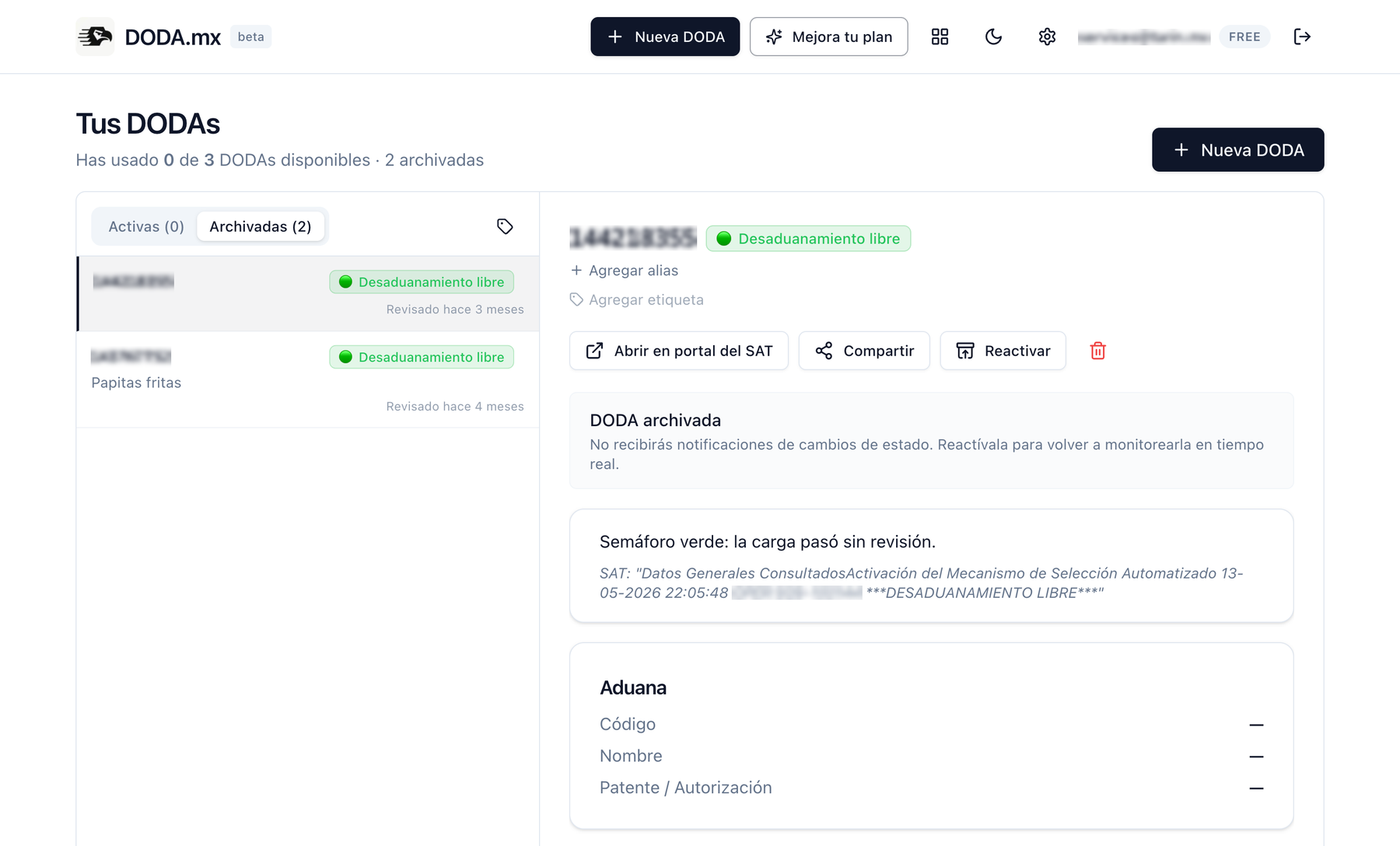
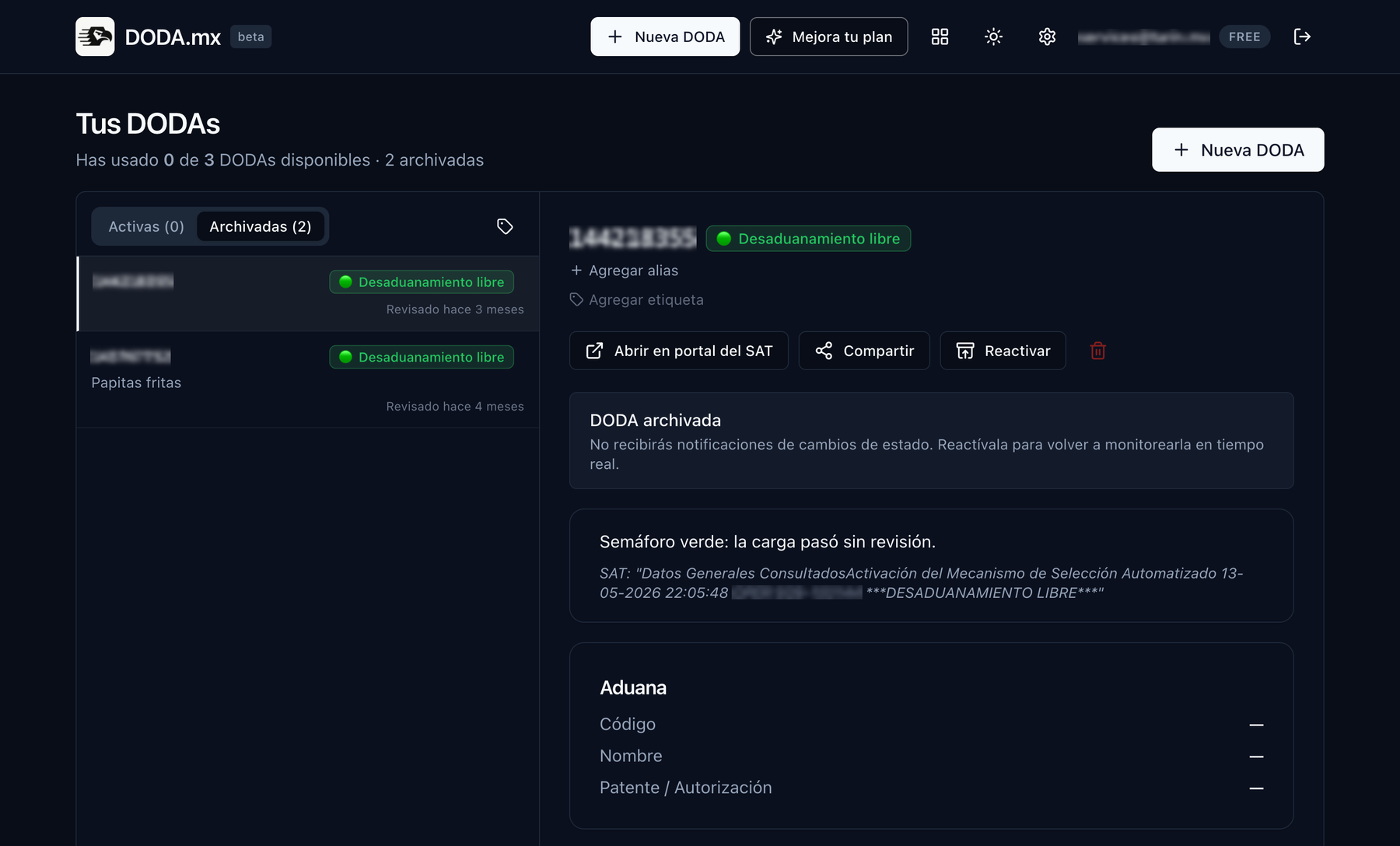
That's what we built DODA.mx for. Instead of you polling the portal, you register the integration number once (or drag in the receipt PDF) and our system checks the SAT on constant cycles: every 30 minutes on the free plan, every 15 on Pro, and up to every 5 minutes with urgent mode for critical operations.
The moment the status changes, you get notified by email, browser push or WhatsApp, and you can share a read-only public link with your client or driver so they see it too, no accounts and no screenshots. The full history of every DODA is recorded with the date and time of each change.
Let DODA.mx watch the SAT for you
Create your account, register your first DODA in under a minute, and never check the portal by hand again.
Create free accountUp to 3 active DODAs free. No credit card.