How it works
From registration to notification in four steps. You register the DODA once; we take care of the rest.
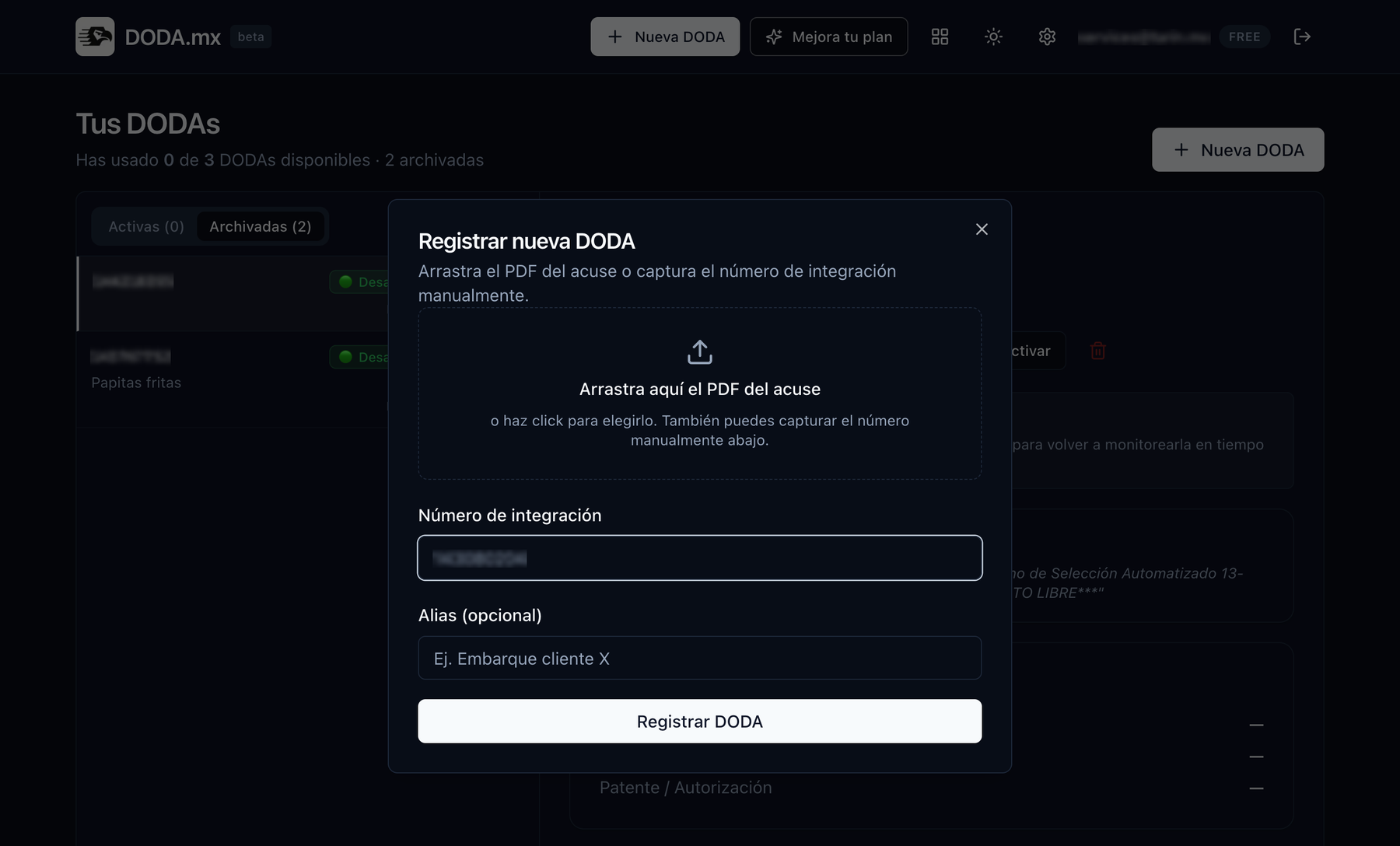
Register your DODA
Drag in the receipt PDF and we extract the integration number automatically, or type it in. Give it an alias ("Manzanillo container") to spot it at a glance.
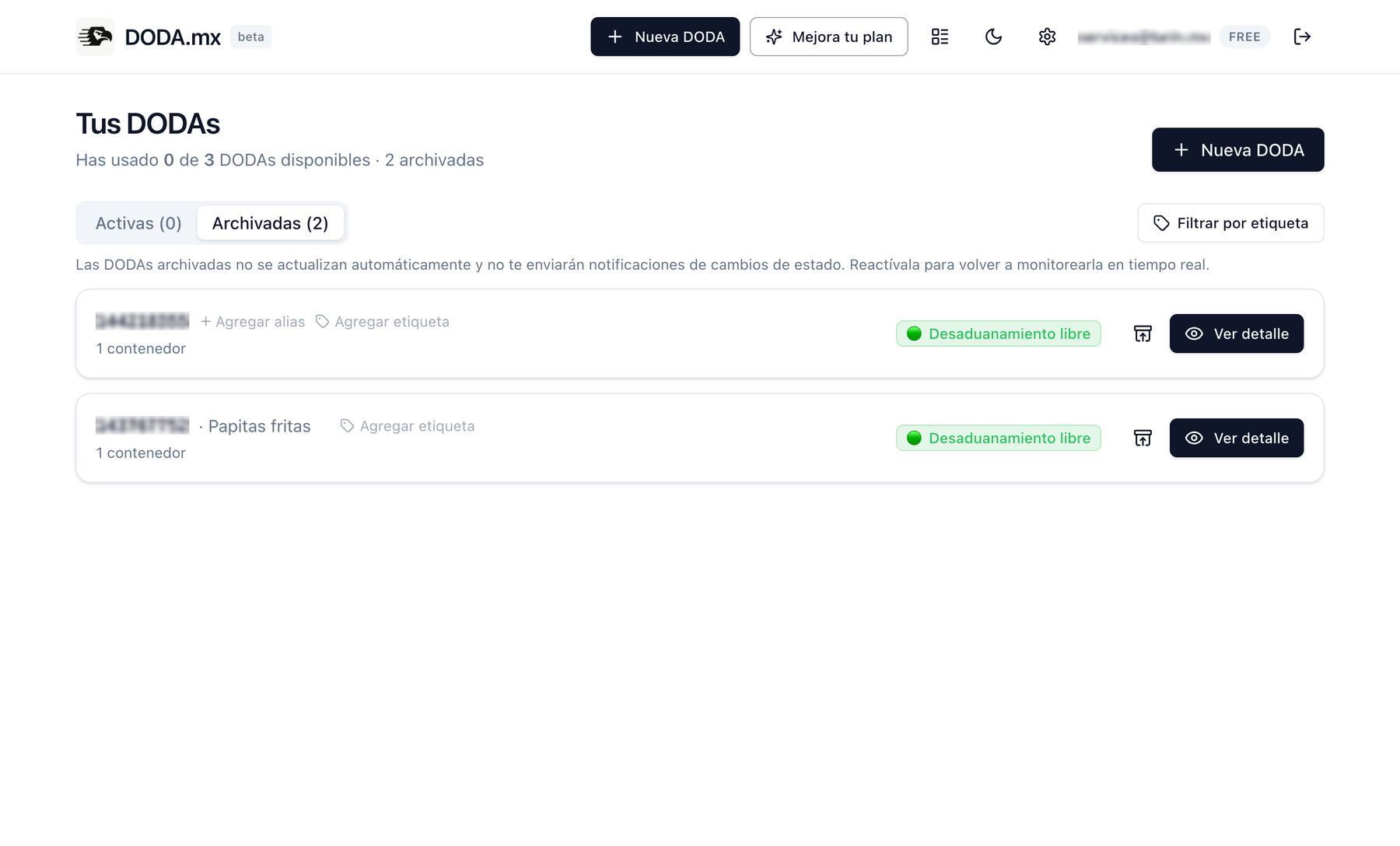
We watch the SAT
We poll the SAT portal on constant cycles: every 30 minutes on the Free plan, every 15 on Pro, and every 5 minutes with urgent mode. Without you ever opening the portal.
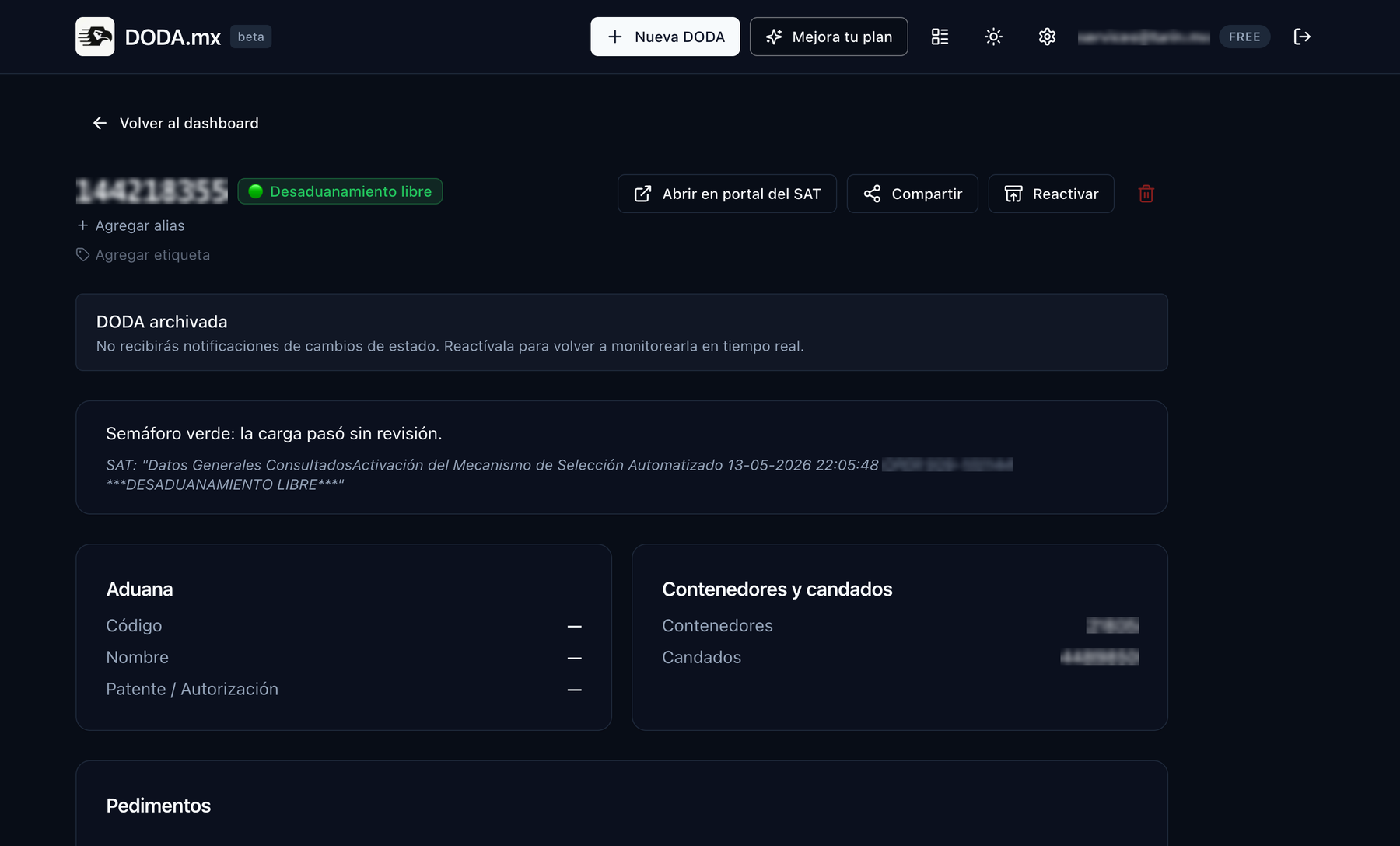
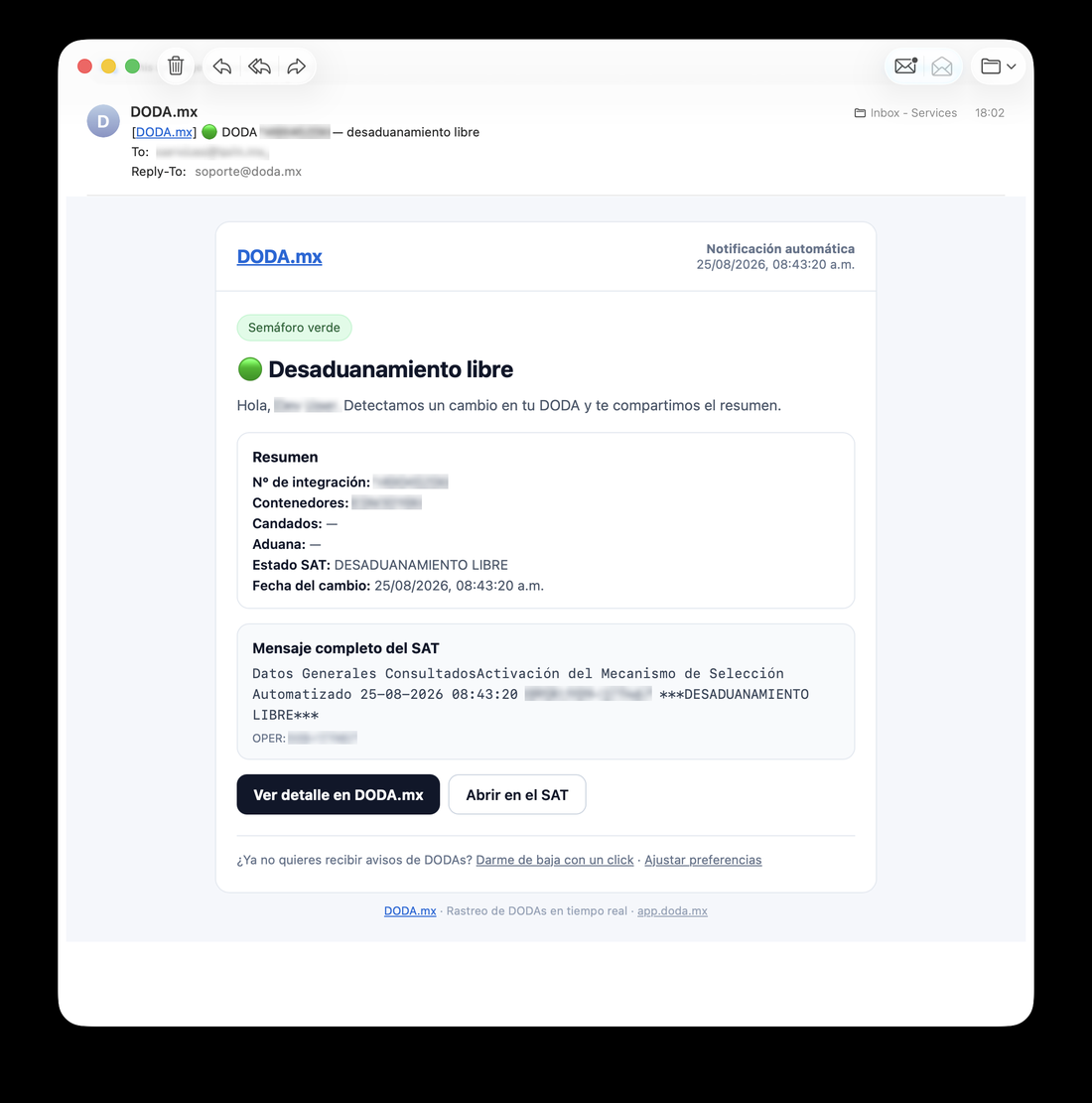
We alert you on change
The moment the light changes (green, red, inspection finished), you get notified by email, browser push or WhatsApp (Pro). With the full event history recorded.
Share with whoever needs it
Generate a read-only public link for your client, the shipping line or the broker. No more screenshots and "any news yet?" messages.
The statuses we track
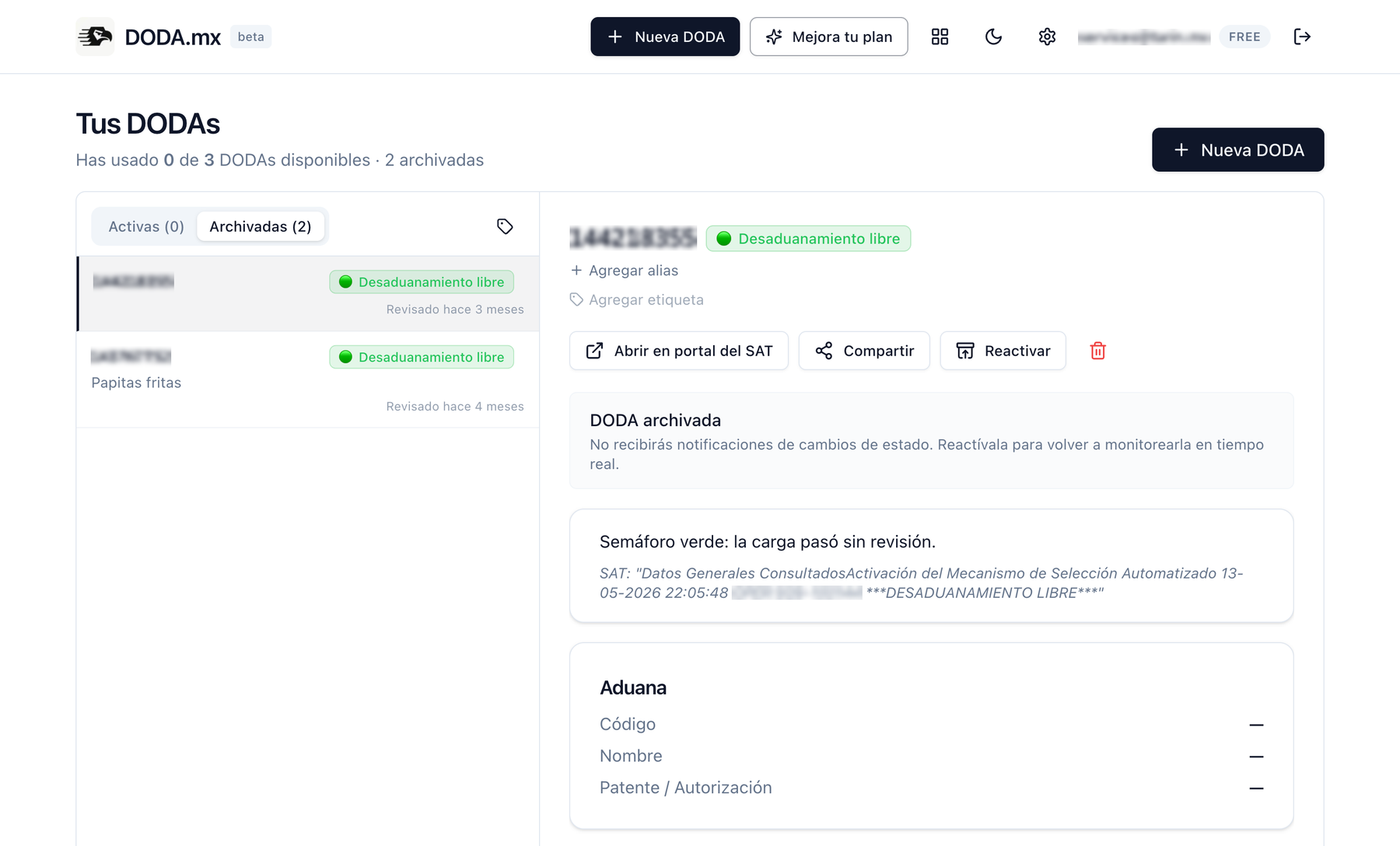
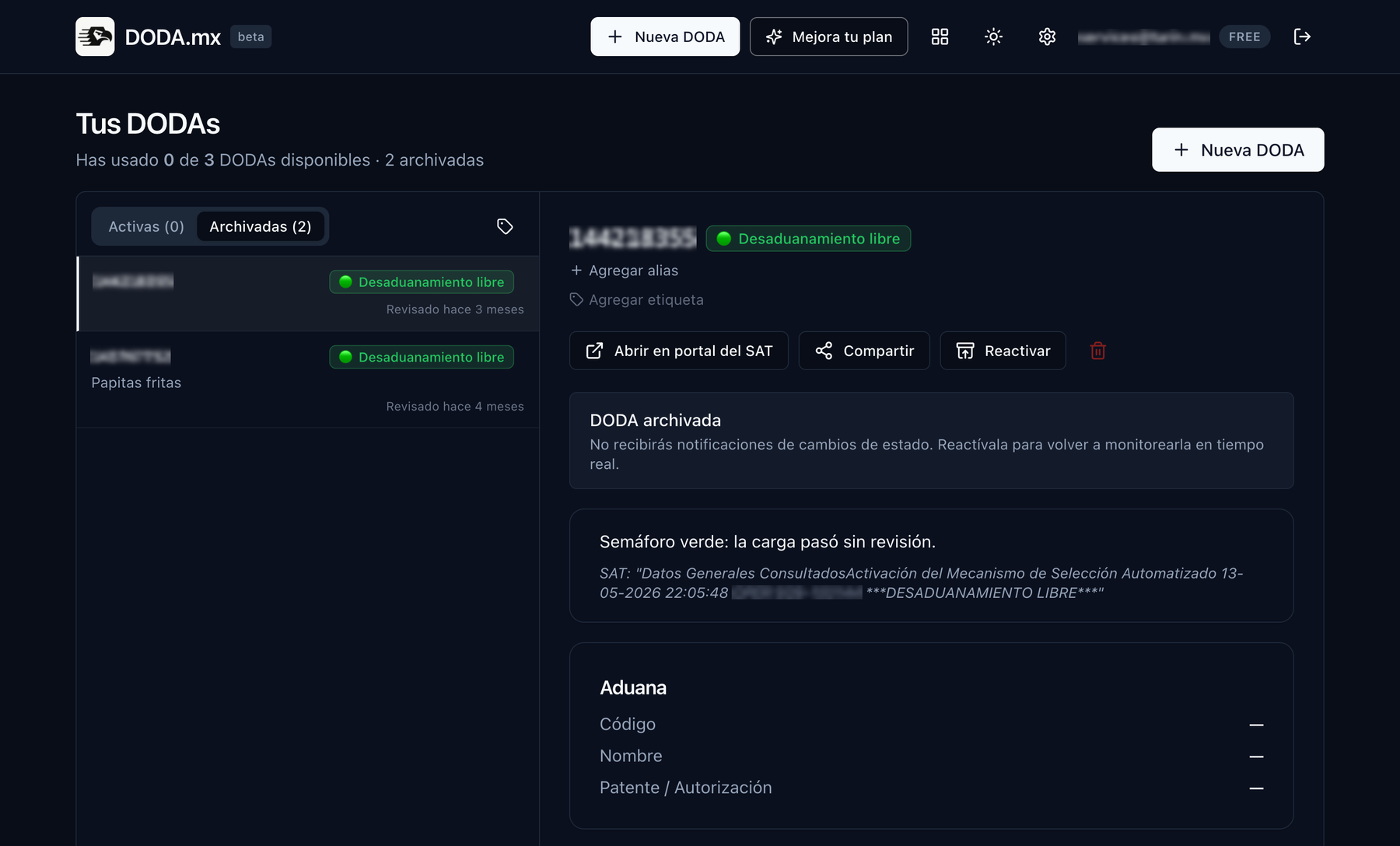
Every SAT check is classified into one of these statuses. When a DODA reaches a final status, it archives itself and frees up a slot on your plan.
Pending
The DODA exists but the cargo hasn't gone through customs yet.
Cleared
Green light: the cargo went through with no inspection.
Customs inspection
Red light: the cargo will be inspected by the authority.
Inspection finished
The inspection is over and the cargo was released.
Want the full detail? Read the customs traffic light guide.
Try it with your next operation
The Free plan includes 3 active DODAs with email and browser notifications. No credit card.
Create free account